Hands-On Review: Huawei E5830s – Simple Mobile Router with Extra Capabilities

Author
Cerira
Reading time:
October 22, 2011

Besides these three submenus, Dial-up, WLAN, and DHCP, there are still two other submenus, each containing some additional settings options for E5830s, namely Security and System.

Huawei E5 3G Wireless Modem 1316773619912 R
Submenu contains various security options security settings, such as Firewall, IP Filter,DMZ, and UPnP.
Huawei E5 3G Wireless Modem 1316773619913 R
While the System submenu contains options for backup configuration, change the password management tools, and so forth.

All the configurations that we have set as well as various connection information for E583os can seen through the menu “Connection”. Shortcut to instantly switch to the options settings, Dial-up and wireless networks like those discussed above is also available on this menu. This menu can be regarded as simple control center for E583os.

Huawei E5 3G Wireless Modem 1316773619921 RSwitch to the “SMS”. This menu seems to be provided to accommodate the multiple use of SMS-related Internet usage via mobile operators, such as charging and pulse checks as well as Internet subscription package.

Huawei E5 3G Wireless Modem 1316773619916 R
Text menu provides features that resemble features of SMS on mobile phones.

The last menu in E5830s management tools is the “SD Card”. This menu contains various options for the use of microSD that can be added to the slot on the left side of the device.

Huawei E5 3G Wireless Modem 1316773619920 R
File operations to the contents of the microSD is done by upload-download system when we use the tools of management.
Huawei E5 3G Wireless Modem 1316773619917 R
We can also change the access mode to mode microSD is "USB Access Only" whichmakes E5830s can double the flash drive / card reader.
MicroSD R
MicroSD contained in E5830s when accessed as a USB drive.

After satisfied exploring management tools, we will try E5830s ability to divide Internet access. We will test the ability of E5830s in two modes, namely as a USB Modem (E5830s connected to a computer with a USB cable) and Wireless Mobile Router (computers connected to the wireless network’s E5830s).

Website Test R
The use E5830s as a USB Modem. In the column "Description" to "Network ConnectionDetails" E5830s seen the computer recognizes as a modem "Huawei Mobile Connect".
WLAN Test R
SSID of E5830s we use when we read scan of the computer.
Website Test 2 R
Computers connected to E5830s via wireless network.

Conclusion

Although has a small size, E5830s proved to have various features that can help us to gain and share the 3G Internet access to multiple devices. The ability of this device in storing various configuration “presets” for 3G connection of the various operators is also easier for users when frequently changing mobile operator. In addition, the availability of storage features can also help users to carry and simple file sharing in the network. Unfortunately, Huawei doesn’t provide an external adapter for this device. Indeed, the USB cable supplied in the sales package may be used for charging from the USB port on your PC or laptop. However, the presence of an external adapter for power charging course will provide extra comfort for the users of these devices.

Plus:

  • The ability of the wireless router and modem are integrated in a small-sized devices
  • The ability to send and receive SMS
  • Storage capability
  • Features “Wizard” that allows the configuration
  • Configuration “presets” 3G connection to various operators

Minus:

  • The absence of an external adapter for charging
  • Dial-up number that cannot be changed
Share
Tags:

Gadget

October 19, 2025 - 0

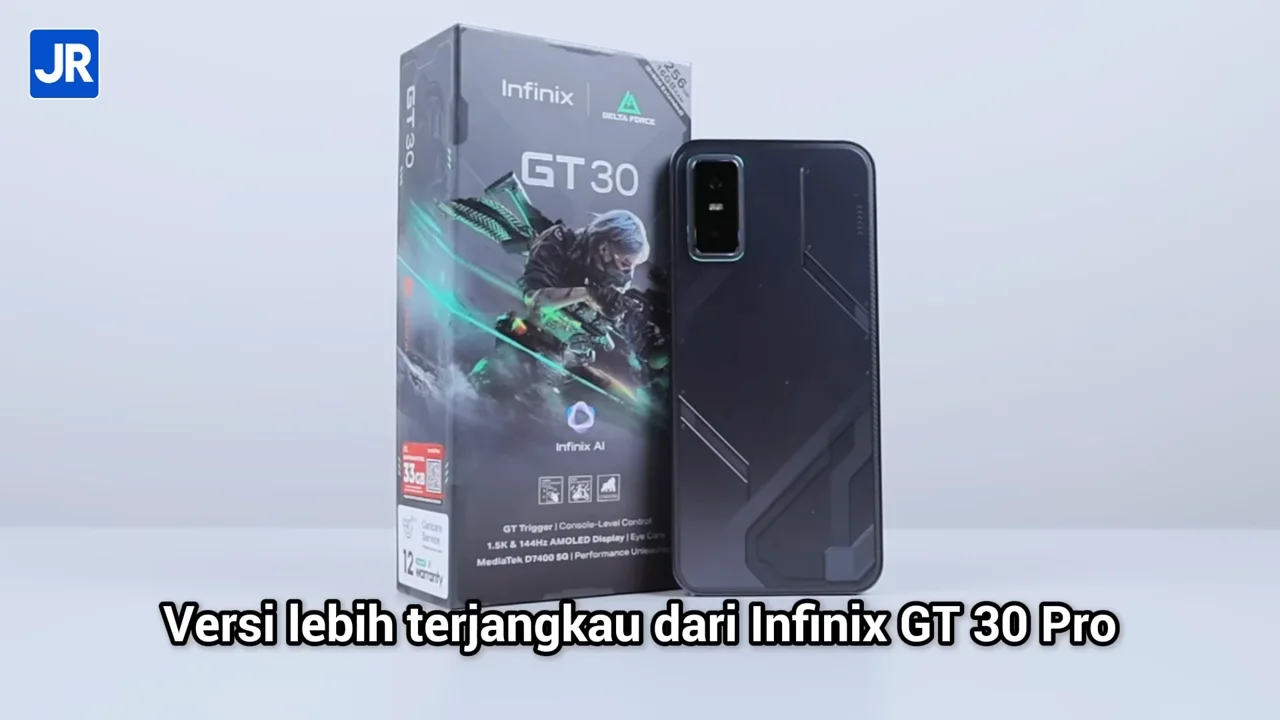
Review Infinix GT 30: Smartphone Gaming Padahal Aslinya All-Rounder!

Ini adalah Infinix GT 30! Ya, hape ini adalah versi…
July 10, 2025 - 0

Fossil Hadirkan Dua Jam Tangan Kolaborasi Marvel Fantastic Four

Fossil mengumumkan hadrinya dua jam tangan eksklusif hasil kolaborasi Marvel…
June 18, 2025 - 0

Review “Singkat” Samsung Galaxy S25 Edge: Smartphone Pemicu Pro-Kontra! Sebaik/Seburuk Itu?

Ini hape yang memicu Pro-kontra.  Banyak orang, bahkan kami pun…
June 17, 2025 - 0

Review Amazfit Active 2 Square: Smartwatch “Kotak” yang Klasik, Canggih, dan Baterai Awet!

Kalian sedang cari smartwatch bentuk kotak yang canggih, baterai irit,…

Laptop

October 29, 2026 - 0

Review Lenovo Legion Pro 5i Gen 10: Laptop Gaming Premium dengan RAM 32 GB Paling Worth It?

Bodi Lenovo Legion Pro 5i Gen 10 Form Factor Clamshell…
October 28, 2026 - 0

Review HP Omnibook Ultra 14 (2026): Super Tipis, Desain Mewah, Performa Maksimal

Bodi Form Factor Clamshell atau laptop klasik Material Full Aluminum…
October 26, 2026 - 0

Review Infinix XBOOK 14 Neo: Laptop 2026 yang Terjangkau, Ringan, dng Warna Bodi Ceria

Bodi Infinix XBOOK 14 Neo Form Factor Clamshell Material Aluminium…
October 23, 2026 - 0

Review Axioo Hype Ai 5 (G3): Kencang & Irit dgn Intel Core Series 3 Wildcat Lake, Harga Terjangkau!

Bodi Form Factor Clamshell, atau laptop klasik Material Polikarbonat Warna…

Gaming

October 29, 2026 - 0

Valve Tambahkan Dukungan CD Drive ke Steam Frame dalam Hitungan Menit

Valve tambahkan dukungan CD drive ke kernel Steam Frame setelah…
October 29, 2026 - 0

Sony Hadiahkan US$50 Ribu Untuk Hacker Penemu Komponen Jailbreak

Sony membayar hadiah US$50.000 untuk hacker yang melaporkan celah keamanan…
October 29, 2026 - 0

Epic Games Akan Latih AI Untuk Dukung Unreal Engine

Epic Games akan mengubah EULA Unreal Engine agar game yang…
October 29, 2026 - 0

Nintendo Switch 2 Lite Dikabarkan Pakai Chip Samsung yang Hemat Daya

Nintendo Switch 2 Lite dirumorkan memakai platform Samsung 8LPU+ yang…