Samsung Galaxy Tab 8.9 Review: Trustworthy Android with Smaller Screen

Recently, Samsung released a tablet with 10.1-inch dimension that have been using the Android operating system, Honeycomb. The tablet has a lighter weight and thinner when compared with previous Samsung tablet products. Not long after that, the Samsung re-issued a tablet device with different dimensions from 10.1. The new tablet has a 8.9 inch screen size. This tablet is Samsung Galaxy Tab 8.9. With the advent of this tablet, Samsung’s slogan of 78910 tablets is completed.
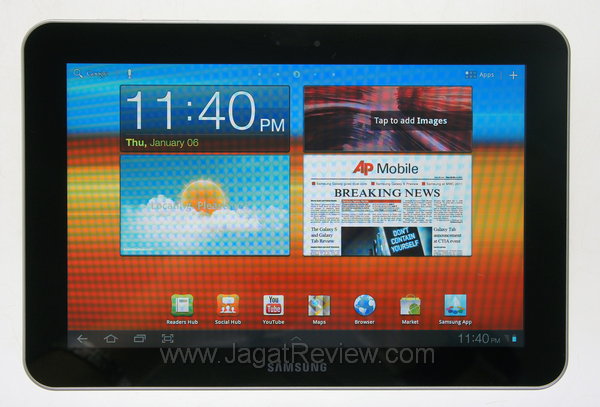
When we get it, the Galaxy Tab 8.9 seems no different to the Samsung Galaxy Tab 10.1 which we tested previously. In fact, after we explore it, we did not find a single application that is different from the Samsung Galaxy Tab 10.1. In a way, this one is a tablet Galaxy Tab 10.1 with a smaller screen and lighter weight. I personally prefer a tablet that has a screen with size of 10.1-inch below.
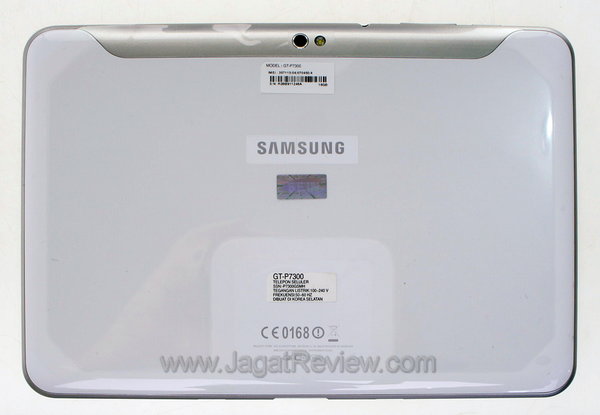
Because this tablet is a twin of the Samsung Galaxy Tab 10.1, of course, it has the same specifications, except the screen dimension. Both of them use the same System on Chip,it’s NVIDIA Tegra 2250 with high-speed dual core processor, the ARM Cortex A9 1 GHz speed. Internal storage on the sample we get is 16 GB. For the RAM, Samsung use extra large-capacity memory in this tablet, 1 GB. Dimension that owned by this tablet is 230.9 x 157.8 x 8.6 mm and weighs approximately 453 grams. In addition, this tablet has the ability to surf the internet using internet connection point of 3G mobile broadband.
Sales Package
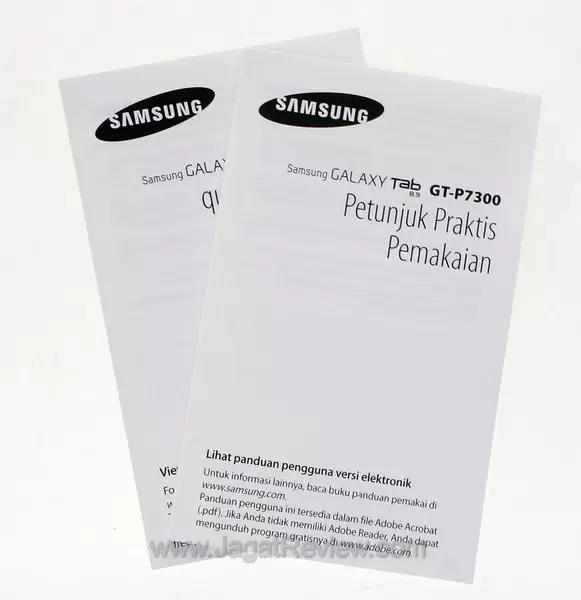
Before we get into a deeper discussion, let’s see how the sales package of Samsung Galaxy Tab 8.9 is.
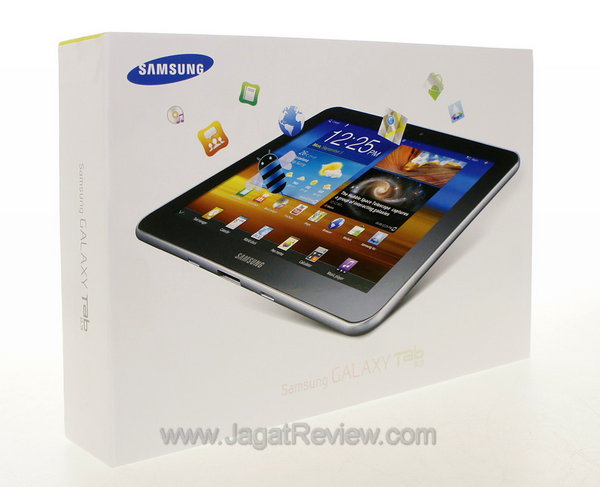
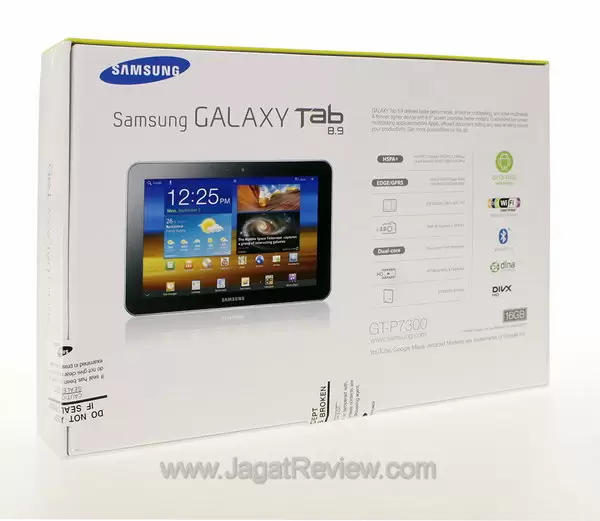
In addition to the tablet itself, will be found tools such as the following
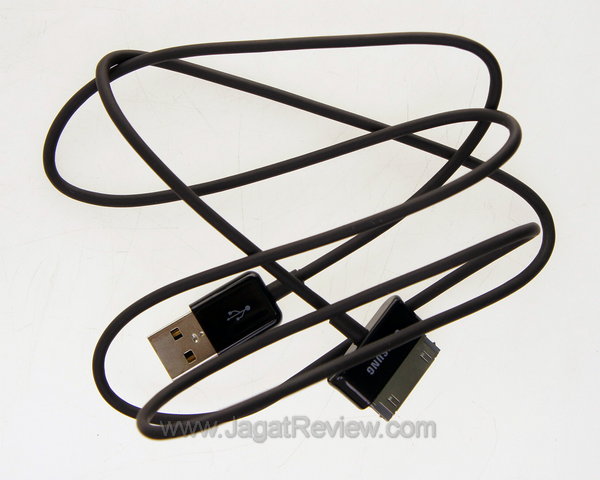
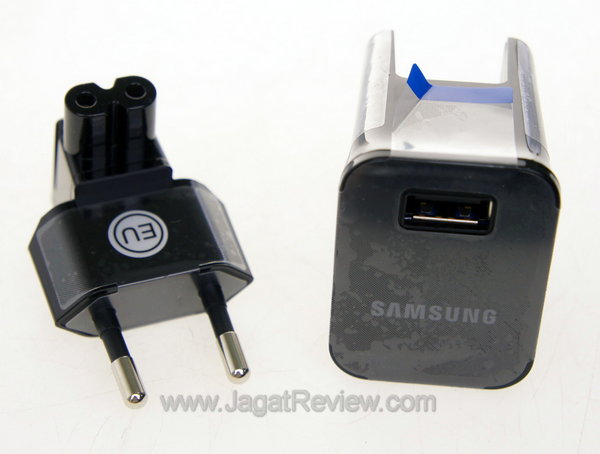
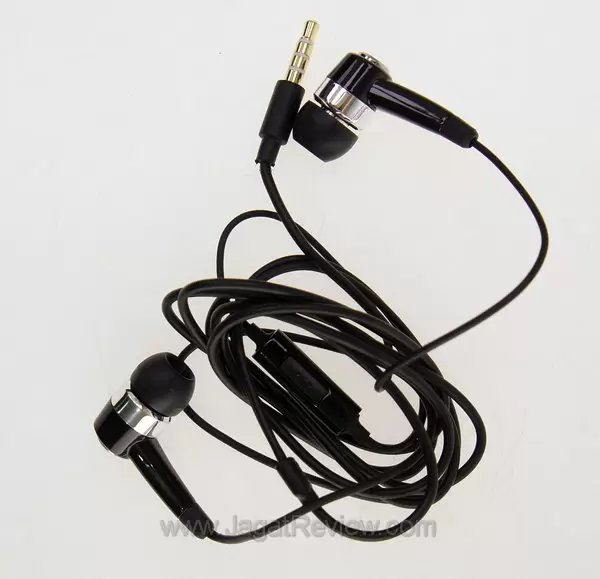
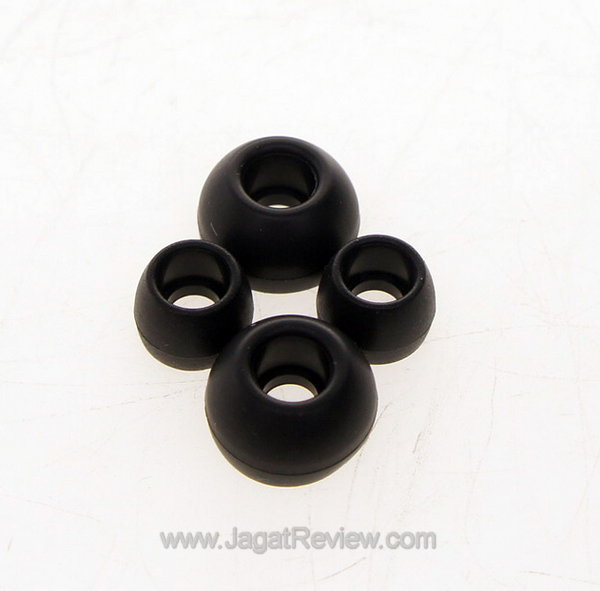
Operating System: Honeycomb 3.1
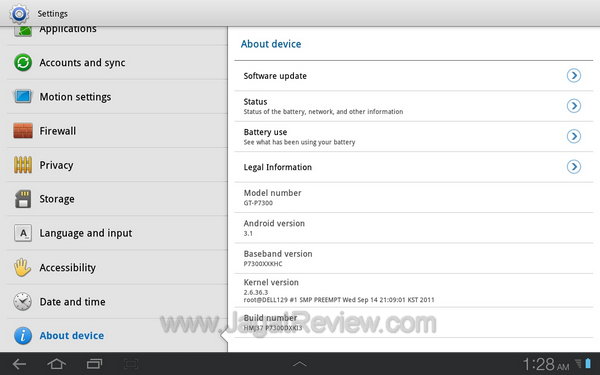
The operating system used by Samsung Galaxy Tab 8.9 is the same as those used by Samsung Galaxy Tab 10.1. Both use the Android operating system version 3.1, Honeycomb. Unfortunately indeed, Honeycomb 3.2 has been outstanding and of course, already has a lot of bug fixes which should make this tablet to be more reliable.
Like other standard of Honeycomb Android tablet, Samsung Galaxy Tab 8.9 has a five-homescreen that can be decorated according to your will. Unlike the Froyo, you can move the home screen by pressing the left and right edge of the screen, as an alternative gesture sliding to the left and right. In Froyo or Gingerbread, perhaps this can be done by pressing the point that existed at the bottom or top edge of the screen only. Here is the fourth homescreen widgets that have been decorated by Samsung, in addition to the main homescreen.
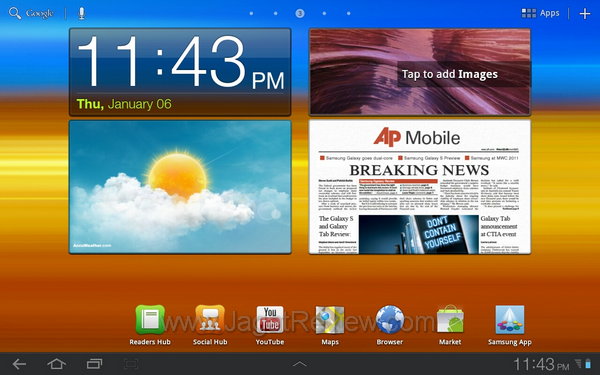

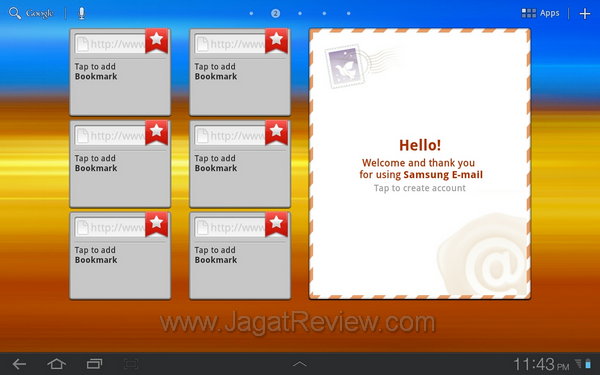
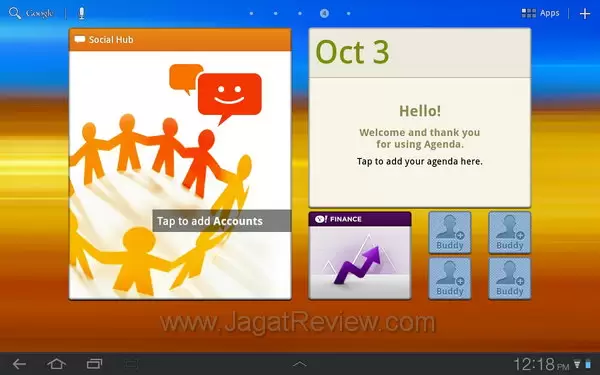
At the bottom left there are three soft buttons (and in fact there is a screenshot button that is not seen when this screenshot was taken). On the far left button, a soft back button to return to the previous page. Second soft button is a home shortcut, so you can return to the main screen when you’re still in an application. While the third one is the recent apps shortcut, has a function that stores the history of several applications that had just executed. To access the menu, you can press the soft button on the Apps that are right next to the screen.
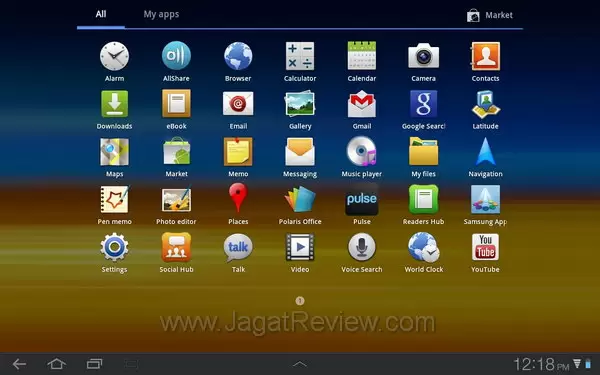
Screen: Responsive Capacitive
The Capacitive screens used by Samsung Galaxy Tab 8.9 is very responsive, just like the Samsung Galaxy Tab10.1. This is what I get when playing Inotia III, Guitar Heroes 6, and Ninja Kaka as a game that can also be used to test the responsiveness of an Android devices’ screen. The result is very good. Each point on the Inotia III and Guitar Heroes can be suppressed and shifted to the same time and without an error, and the sword slash in Ninja Kaka is pretty smooth.
The last thing I do is a test that is always used by many Android users, typing using the virtual keyboard. I can work very well with using the virtual keyboard. The location of each character’s button was designed by Google very well to minimize the occurrence of any wrong press.
More Articles